Trusted by
















Your office, a studio or fully virtual
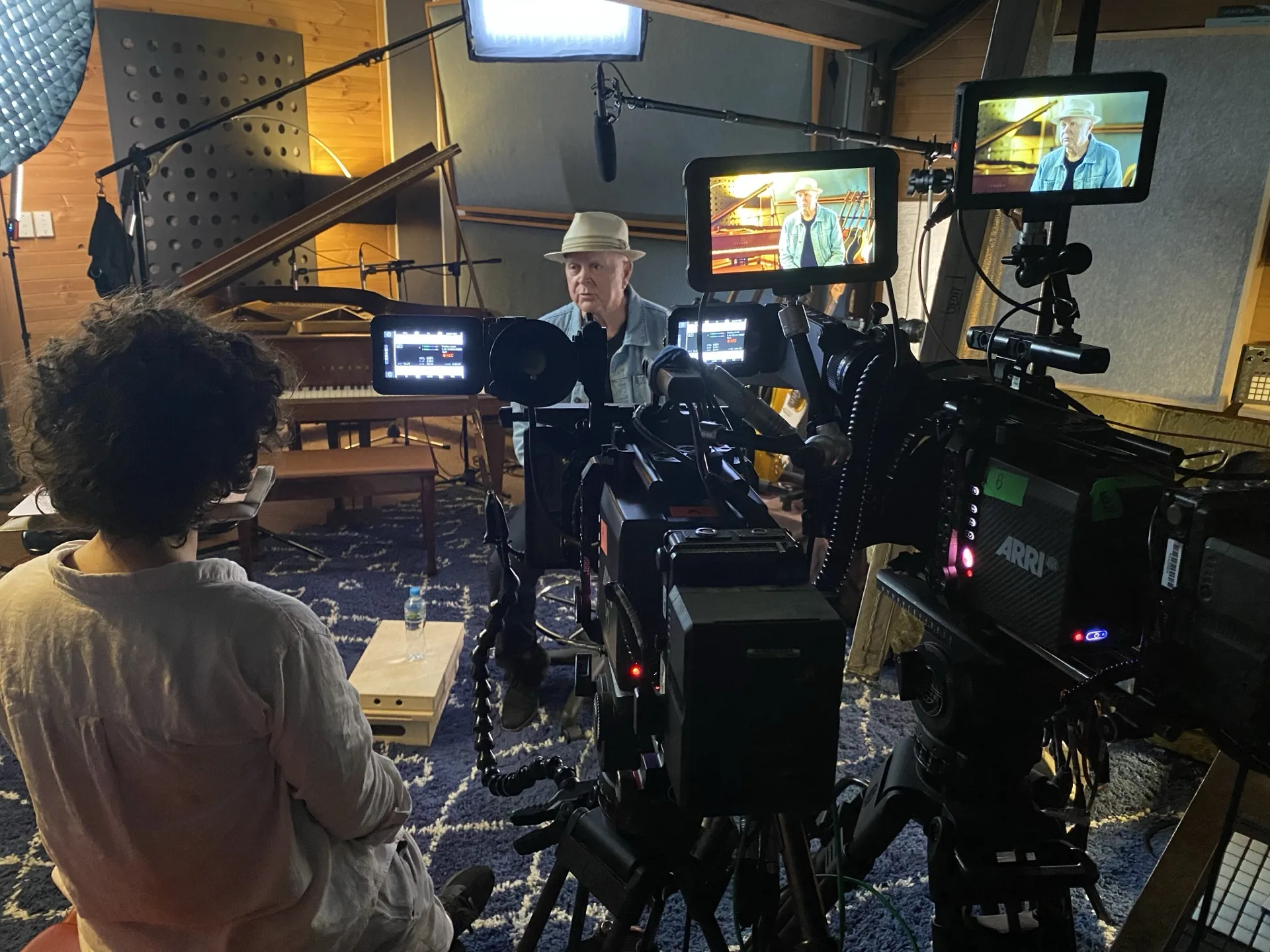
You choose the setting. We don't own a studio, so we're never pushing you into one. We'll recommend what suits your speakers, their diaries and the content.
In your office
One camera and a bit of light, set up in the boardroom before your executive arrives. They walk in, sit down, present and get back to their day.
A studio we arrange
A clean set when your speakers can come to one place. For long sessions we pick a room with proper sound treatment, so 45 minutes sounds as good as the first five.
Fully virtual
Every speaker joins from their own desk, wherever they are. We produce it remotely and send one clean, branded feed to your audience.
Pre-recorded, but it still feels live
Plenty of webinars work best recorded first. Dense content, several speakers, or material you need to get exactly right.
We record the intro, the main session and the closing remarks, and tidy them in the edit. On the day they roll into the broadcast and you go live for the Q&A. Your audience gets one continuous show.
Or pick another format. We build the set and the run around it.
Single presenter
One host to camera, clean and focused, with slides and autocue.
Fireside chat
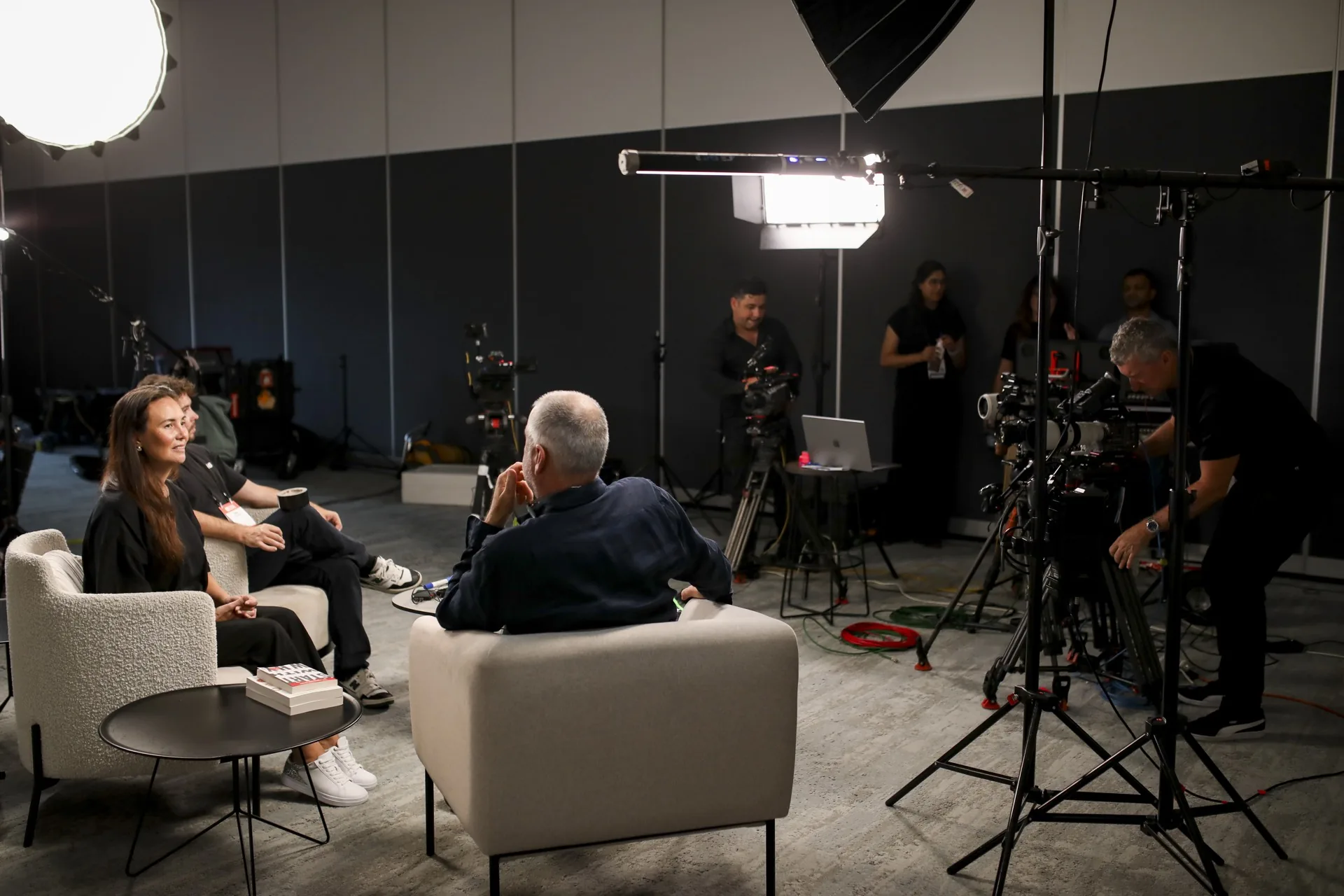
A relaxed two-hander in armchairs for a warmer, human feel.
Panel at the desk
Three or four guests around a desk for a discussion format.
On stools
An upright, energetic look that suits shorter, punchier sessions.
Talk-show style
A host plus rotating guests, with segments and live crossovers.
Pre-recorded, live Q&A
Intro, session and close recorded first, then a live Q&A so it still feels live.
A producer can run the questions for you, in the room or online. They screen what comes in and feed you the good ones on an iPad or by WhatsApp. They can be in your ear with time cues, and they keep a few questions up their sleeve in case the chat goes quiet.
Webinar coming up?
Tell us the date, the speakers and the platform. We'll plan the run and send a fixed quote.
You’ll hear back within one business day.
How we work
How a job runs, step by step.
Five steps from brief to recording. You present. We run the cameras, the slides and the stream.
Brief
Tell us the session, the speakers and the platform. Jess turns it into a plan and a fixed quote.
- One brief, one point of contact
- Format and set chosen with you
- A fixed quote up front, itemised
Plan the run sheet and the room
We plan the run with you. The format, the set, the slides, the Q&A and any remote speakers.
- Run sheet, slides and polls lined up
- Autocue loaded for your presenters
- Remote speakers planned in
Set up on the day
In your boardroom, a studio we arrange or at each speaker's own desk. Cameras, lights, radio mics, autocue and your branding, ready before you arrive.
- Office, studio or virtual, your call
- Cameras, lights and radio mics
- Branded graphics ready to go
Go live
One person owns the cameras, sound, slides and Q&A. If a mic drops or a speaker freezes, they fix it live while you keep presenting.
- Cameras cut live
- Slides, Q&A and polls driven for you
- Fixes handled while you present
Hand over the recording
The full session is recorded, edited and delivered through Frame.io. Short cutdowns for LinkedIn and social are there if you want them.
- An edited on-demand version
- Cutdowns for LinkedIn and social
- Yours to use anywhere
Why a produced webinar beats a plain Zoom
A webinar carries your brand to hundreds of people at once. A laptop camera and a home mic undersell it before you've said a word.
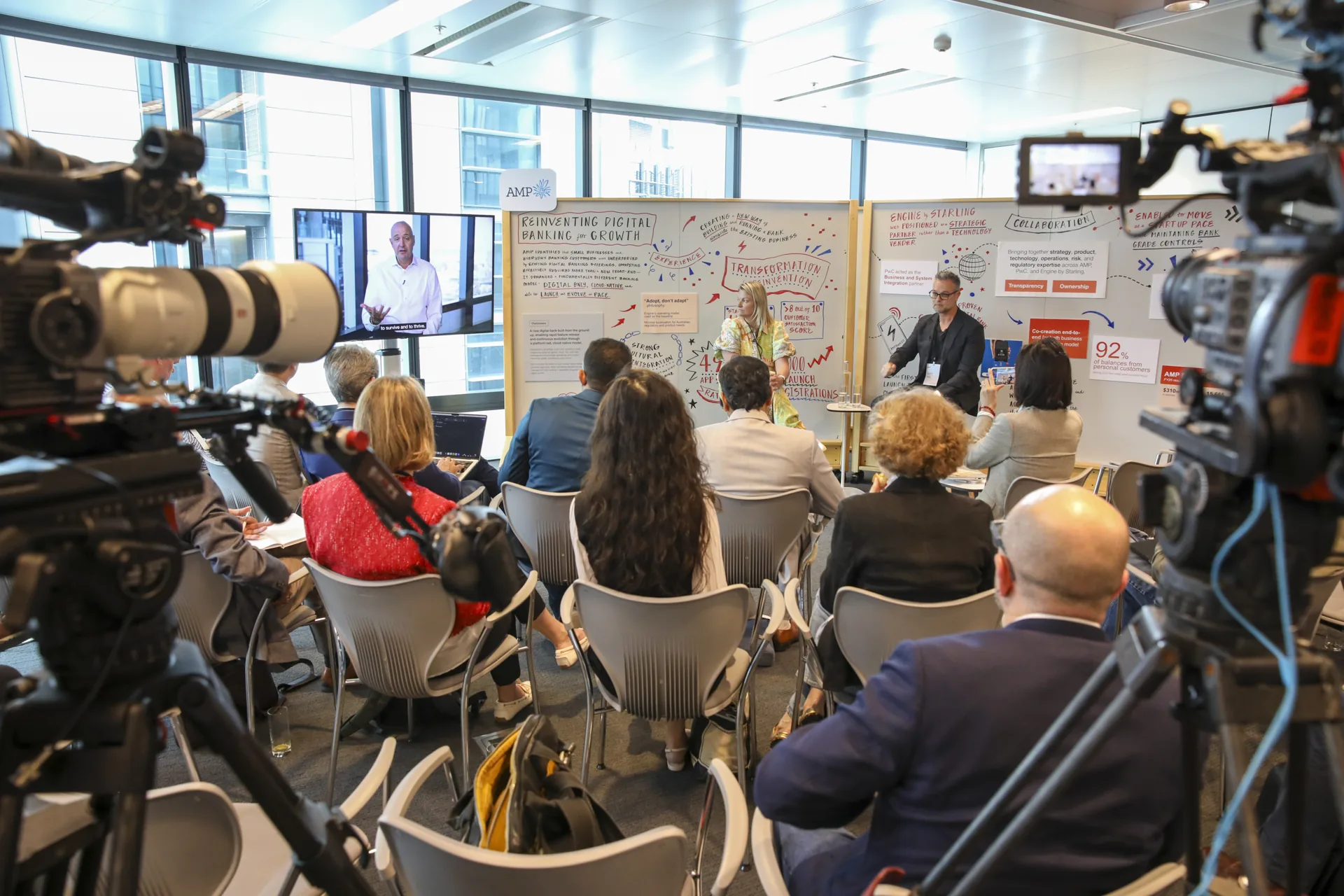
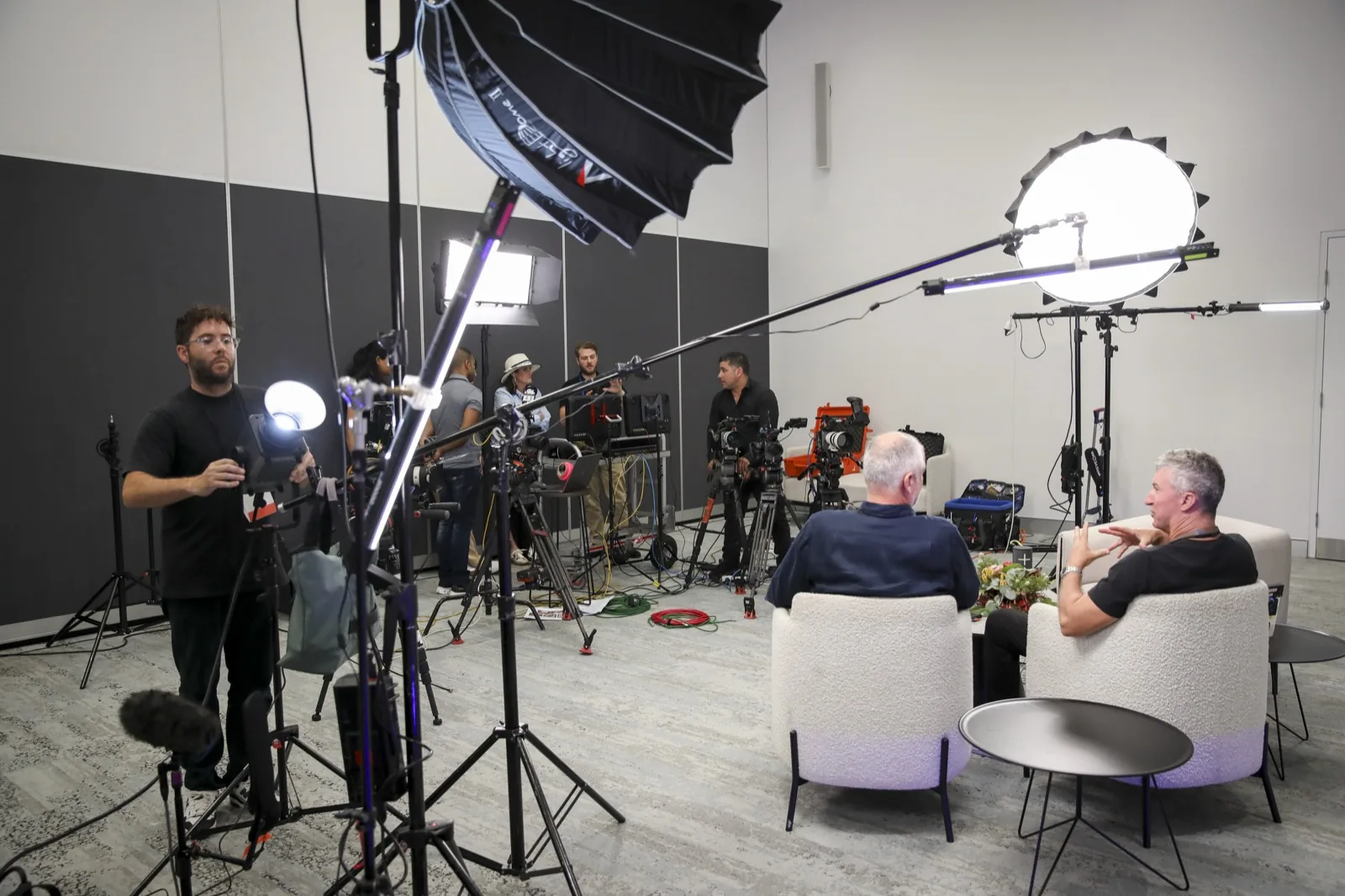
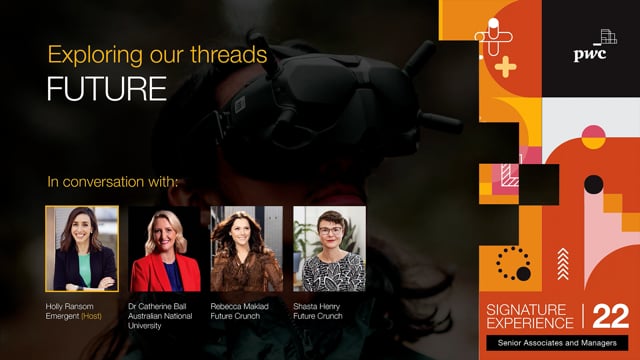
We run your webinar like a live broadcast. Multi-camera, proper audio, clean graphics, and our crew keeping it all on track. You present, we handle the rest. That's set and forget webinar production, the way we filmed the PwC Academy webinar at the top of this page.
What a Zarco Creative webinar includes
Everything that makes a webinar look and sound broadcast grade, run by a crew that came up in live news. No piecing it together from three suppliers.
Cameras scaled to the format
One camera for a single speaker, up to six for a full panel, cut live so the vision never sits on one flat angle.
Broadcast control and audio
A live vision mix, clean radio mics and monitored sound. The bit most DIY webinars get wrong.
Autocue and on-screen graphics
Autocue so presenters stay natural, plus lower thirds, titles and your branding baked in.
Live slides, Q&A and polls
Slides driven live, a producer screening audience questions for you, and polls if you want the room involved.
Recording and delivery
The full session recorded in quality, then edited and delivered through Frame.io. The files are yours.
See livestreamingThe biggest worry with a live webinar is that something breaks and nobody's driving. On a Zarco Creative job, our crew is.
One person owns the cameras, sound, lighting, slides and Q&A on the day. If a mic drops or a speaker freezes, they fix it live while you keep presenting. Our crew came up through live broadcast news at Network Ten, Seven and Nine, so calm under pressure is the default. It's why marketing and comms teams hand us the whole thing.
Every speaker gets a tech check before the day: audio, picture, light and what's behind them. They get our speaker checklist and a what to wear note too. When the stakes call for it, we add a full rehearsal, with a crew who'll tell you when to look at the lens and when you're on the wide.
Speakers in different cities and time zones
Your speakers won't always be in Sydney. The head of sales might be in Singapore and the moderator in the next suburb. Nobody needs to get on a plane.
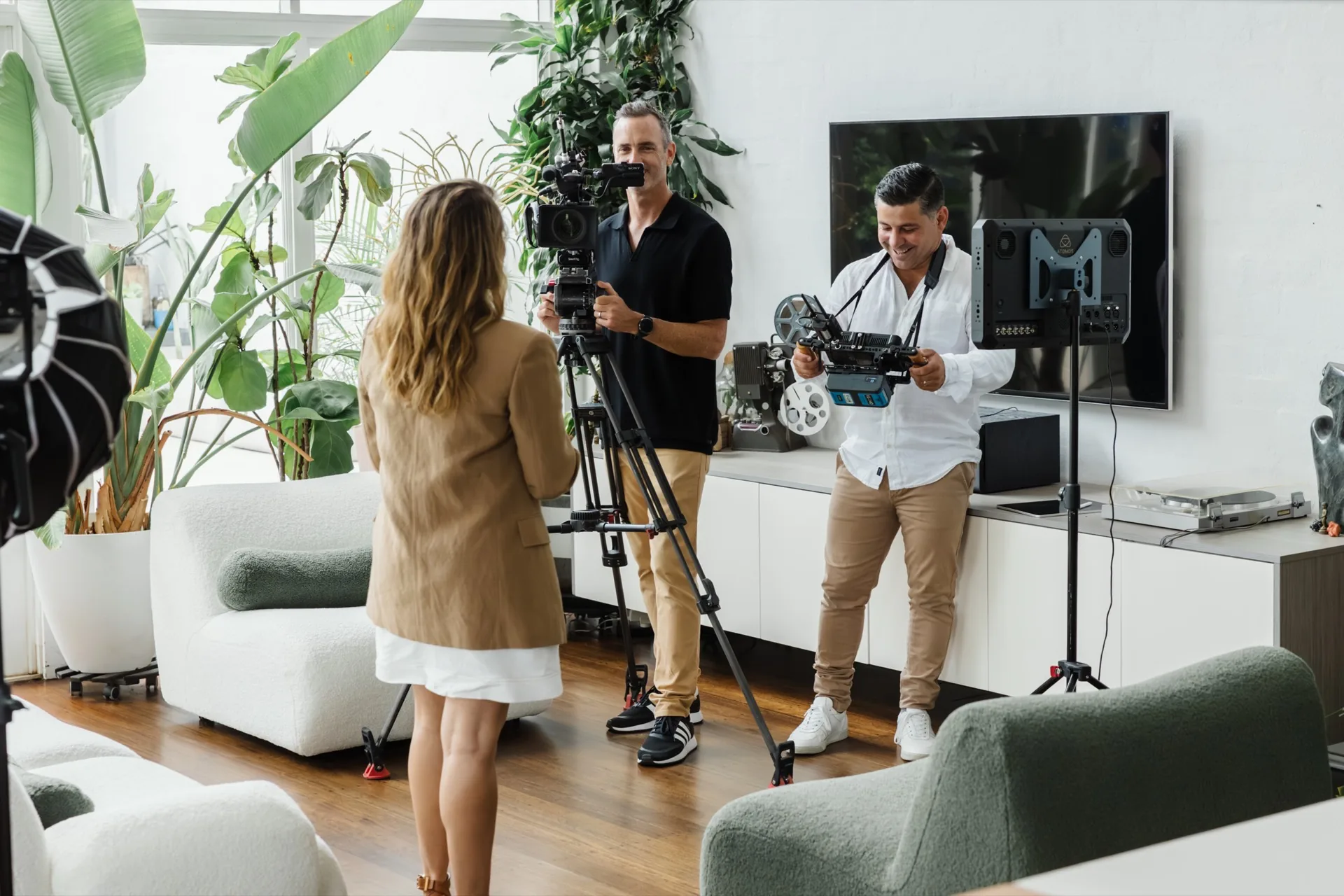
We send each speaker a link and bring them into vMix, the broadcast software used in television. One producer controls the lot and sends a single feed into Zoom or Teams, so you're not stuck with what the platform can do. Two or three people on screen at once, your slides, your branding. If a remote guest drops out, our crew covers it so the audience barely notices.
Recording across time zones? We book each pre-record at a time that suits the speaker.
Who it's for
If your audience is remote and the content matters, a produced webinar earns its keep.
B2B panels
Thought-leadership sessions and expert panels for a professional audience.
Product launches
Show a new product or service to customers and press in one live hit.
CPD and training
An expert, a slide deck and learning outcomes, recorded as a live show so there's very little left to fix in the edit.
Investor and AGM updates
Deliver results and updates to investors with a polished, credible look.
Internal town halls
Reach a whole workforce with a leadership update that feels considered.
Interested in livestreaming instead? For live events, ceremonies and hybrid conferences, see livestreaming in Sydney.
Platforms, recording and repurposing
We stream to wherever your audience already is, and turn the live session into content that keeps working. See social video for the cutdowns. Plenty of clients turn the same setup into a video podcast series.
- LinkedIn Live, YouTube, Vimeo, or Zoom Webinar and Teams for a gated audience.
- A custom branded player if you want it living on your own site.
- The full webinar recorded and delivered as an on-demand asset.
- Short cutdowns for LinkedIn and social, so one live hour becomes weeks of content.
- The finished files handed over, yours to use anywhere, for as long as you like.
Why Zarco Creative for webinar production
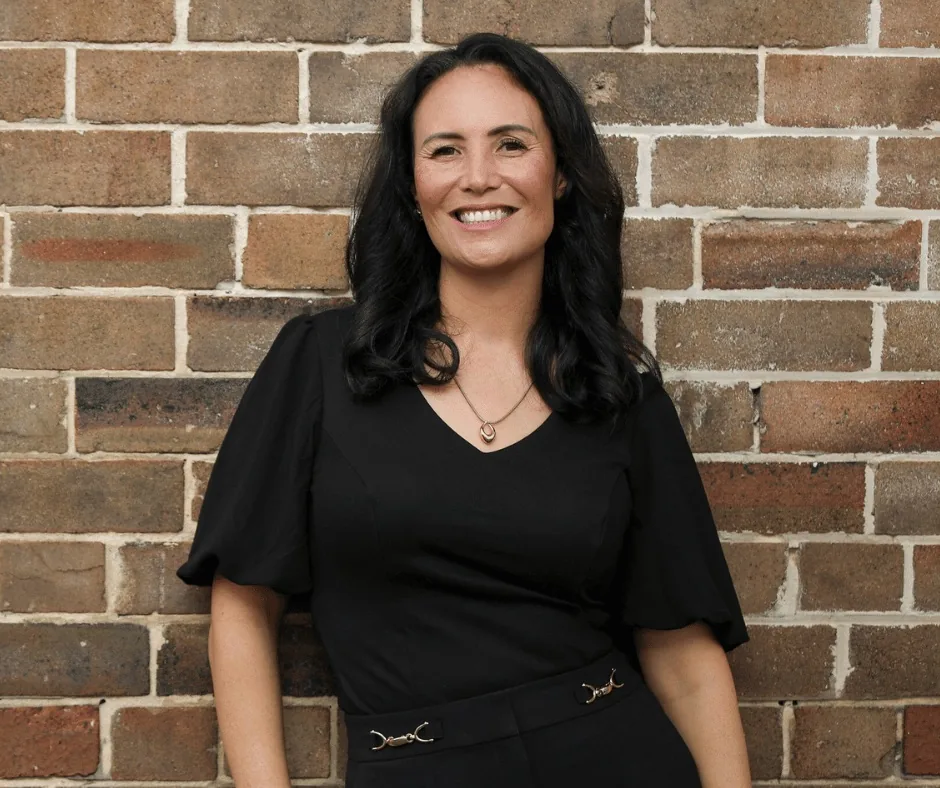
We've filmed for PwC, Bunnings, Sennheiser and Chartered Accountants ANZ, the kind of teams who can't have a live event wobble. Our crew came up through live news at Network Ten, Seven and Nine, so multi-camera under pressure is home ground. Jess runs the whole thing start to finish as your single point of contact, and an experienced crew runs the day, so it never rests on one person. You get a webinar that looks broadcast grade and a day you don't have to manage. For the wider live offer, see livestreaming.
You’ll hear back within one business day.

Our work
A few we’re proud of.

Aboriginal and Torres Strait Islander viewers are advised that this video may contain images and voices of people who have died.
Want one like this? Send Jess your date.
Start a conversationWhat clients say.
I’m really relaxed. Even the events I’m not present at, I’m not worried at all.

They make our attendees feel comfortable on camera, find solutions and ways to maximise on content during the day.

I had a partner, not a supplier. They were truly part of the team.
Got a session to put on?
Tell us the date and who's speaking. We'll come back with a fixed quote within one business day.
Good to know
Questions, answered.
How much does webinar production cost in Sydney?
Webinar production runs $3,000 to $20,000 + GST. What moves it is the number of cameras, how many speakers, and whether any join remotely. Graphics, live Q&A and an edited on-demand version add to it. See what video costs in Sydney for the full picture.
Do your crew have Working With Children Checks?
Yes. Our crew hold Working With Children Checks. If your venue or site has its own requirements, like a sign-in or an induction, tell us when you brief us and we'll have it sorted before the day.
What do you need from us to quote a webinar?
Not much. The date, how many speakers, whether any are remote, and the platform. A few lines is plenty. If something's missing, Jess will call and ask rather than send you a form. You'll hear back within one business day.
How much does webinar production cost in Sydney?
Webinar production runs $3,000 to $20,000 + GST. What moves it is the number of cameras, how many speakers, and whether any join remotely. Graphics, live Q&A and an edited on-demand version add to it. See what video costs in Sydney for the full picture.
Can you run the webinar from our office, a studio or virtually?
All three. We can set up one camera in your boardroom so your executive walks in and presents, arrange a sound treated studio, or produce it fully virtual with every speaker at their own desk. We'll recommend what suits your speakers on the brief call.
How many cameras do you use for a webinar?
Anywhere from one to six. A single presenter in their office needs one camera. A full panel gets more, cut live by our crew so the vision never sits on one flat angle.
Can you include remote speakers who dial in from other locations?
Yes. We bring remote guests in cleanly alongside your in-studio presenters, and we test every connection before you go live. If a remote link drops, our crew covers it so your audience barely notices.
Can we pre-record the webinar and do the Q&A live?
Yes. We record the intro, the session and the closing remarks first, then roll them into the broadcast and go live for the Q&A. A producer can screen the questions and feed you the best ones, so it feels live from start to finish.
Do we need a rehearsal?
Every speaker gets a tech check either way, to sort audio, picture, light and background. A full rehearsal is optional. It's worth it for big names or tricky content, and we'll tell you honestly when you can skip it.
What platforms can you stream a webinar to?
LinkedIn Live, YouTube, Vimeo, or Zoom Webinar and Teams for a gated audience. We can also feed a custom branded player on your own site. Tell us where your audience is and we'll stream to it.
Do you record the webinar and turn it into short clips afterwards?
Yes. We record the full session in quality and deliver an on-demand version. We can also cut short clips for LinkedIn and social, so one live hour becomes weeks of content. The files are yours to keep.
Across Sydney and greater NSW.
Based in Sydney, filming right across the city and beyond. We travel across NSW and interstate for the right job.
Start a conversation