We film
One of our crew spends a half or full day with your people and your spaces. The shot list starts with where the footage is going.
Trusted by





How it works
You tell us where the footage is going. We do the rest.
One of our crew spends a half or full day with your people and your spaces. The shot list starts with where the footage is going.
Every usable shot becomes its own clip, finished to match, named with its tags and filed by where you’ll use it.
Within two to three business days the whole library is in your own system, folders and all. Nothing to download, nothing to organise.
Who it’s for
Set and forget video production in Sydney. Brief us once and the footage lands in your SharePoint, sorted.
Your people and your work on film, ready for every pitch, proposal and careers page.
Your members and your profession on film, ready for every campaign and every renewal.
Your programs on film, out where they happen, ready for every page, post and campaign.
Two ways to use it
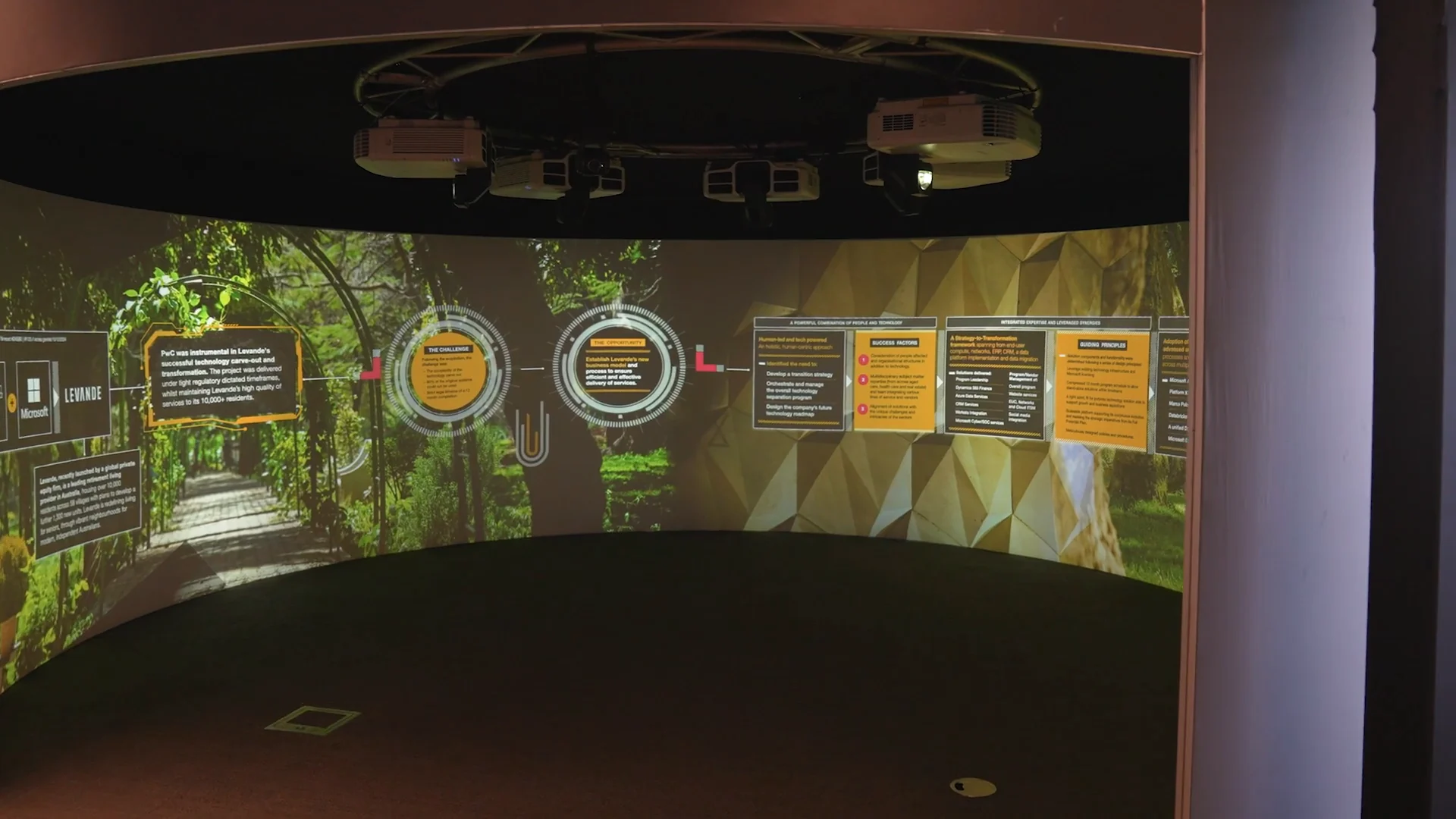
The Library: People and Brand
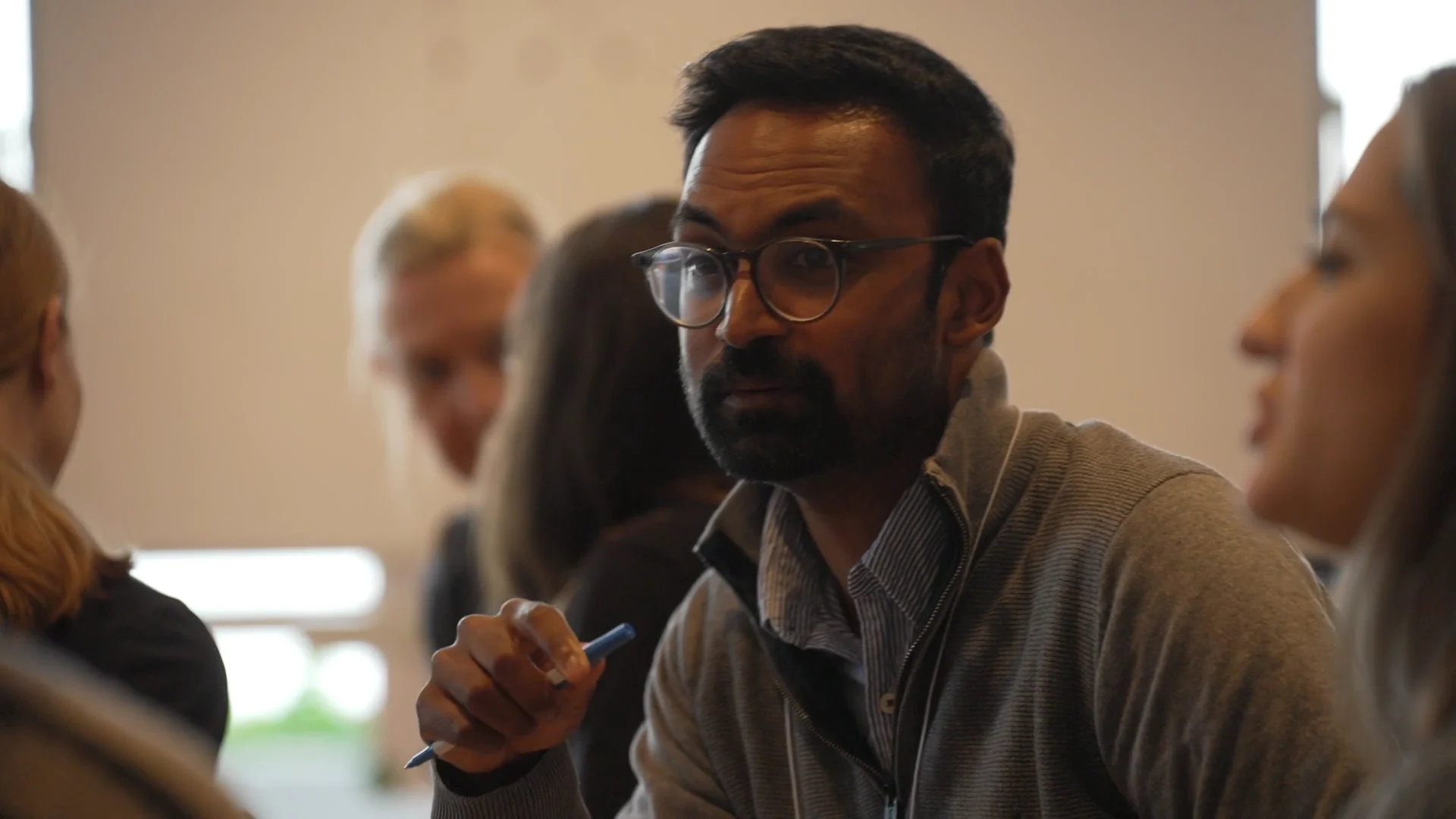
One day, packed with shots. Your people at work, your brand and your spaces, filmed side by side so the library comes back full. Shot in 4K, delivered in 4K and 1080p, in 16:9.
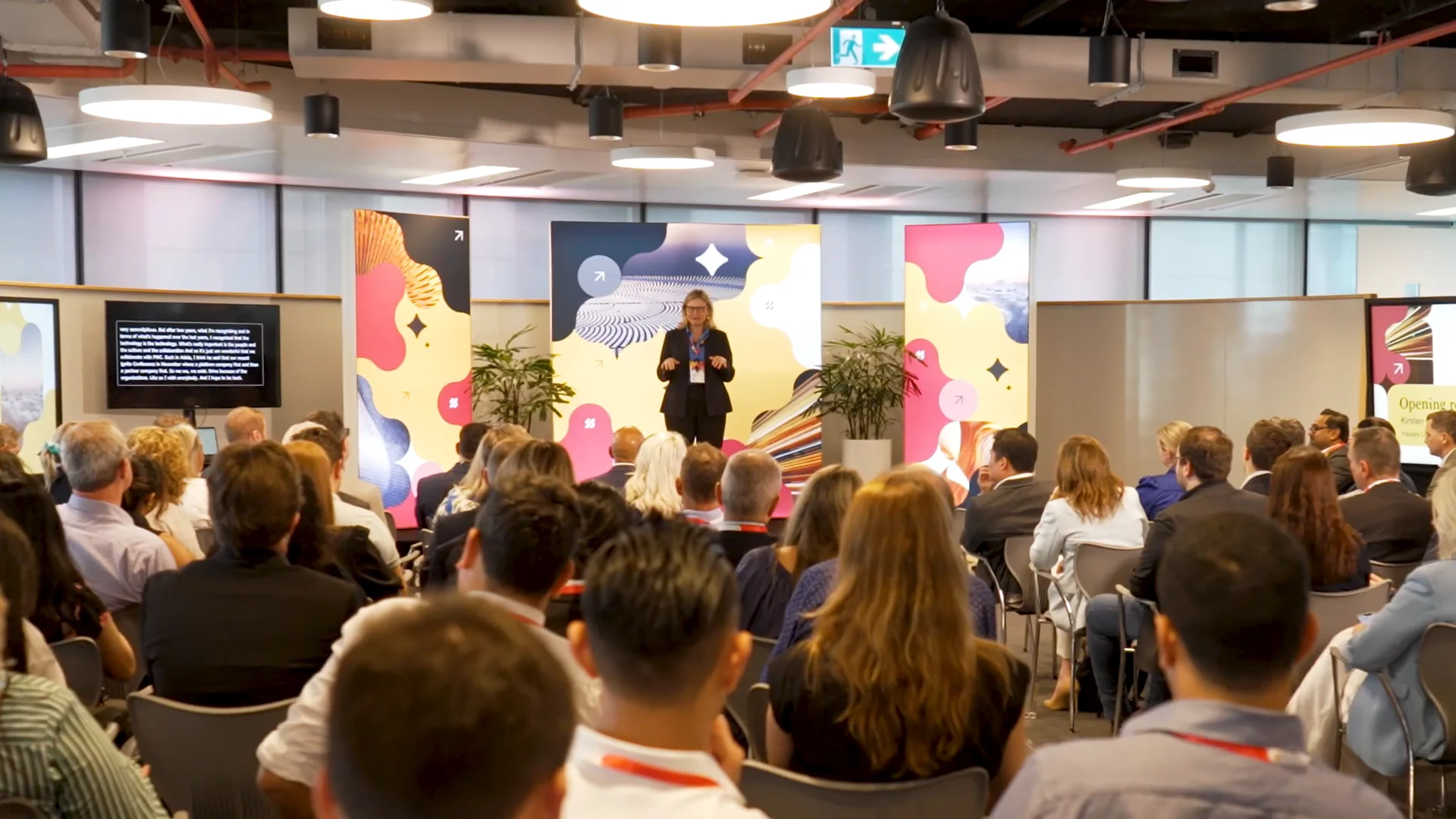
The Library: Moments
Added to any of our event packages. Every usable shot from your conference, awards night or launch, filed and in your SharePoint two to three business days after.
How it arrives
No links to chase and no zip files. The library goes straight into a folder in your own system, filed by where you’ll use it. Every clip is shot in 4K and delivered in 4K and 1080p, in 16:9.
Every library includes
Why Zarco Creative
Four things that make the day easy for your team, and the library easy to use after it.
Our crew came up through Network Ten, Seven and Nine. We film real people at work without stopping the work.
We start with where the footage is going, then plan the shots back from there.
We read your brand guidelines before the day, so every clip looks like you.
Folders by use, files named with their tags, and the Catalogue to find any shot in seconds.
I’m really relaxed. Even the events I’m not present at, I’m not worried at all.

They make our attendees feel comfortable on camera, find solutions and ways to maximise on content during the day.

I had a partner, not a supplier. They were truly part of the team.

Good to know
A day with our crew, and a library of your own footage. One of our crew films your people, your brand and your spaces for a half or full day. Every usable shot becomes its own clip, sorted and tagged, and the whole library lands in your SharePoint within two to three business days.
People and Brand is a day with your people, your brand and your spaces: people at work, offices, foyers, meeting rooms and the look of the place. Moments is your event day. It’s added to any event package, and every usable shot from your conference, awards night or launch is filed by session, speaker and sponsor. Both are shot in 4K and delivered in 4K and 1080p, in 16:9.
Straight into your own system. Before the day we ask where your library should live, you share one folder with us, and the finished library goes in with its folders, file names and the Catalogue. If your IT doesn’t allow outside access, we send it as a password protected transfer you drop in as one folder.
All Library footage is shot in 4K and delivered in 4K and 1080p, in 16:9. The 4K set is for big screens and projects; the 1080p set drops straight into your website, decks and posts.
A visual index of every clip, with its number, folder and tags, as a PDF and a spreadsheet. Your team finds the shot they need in seconds, and the spreadsheet can bring the tags into SharePoint or your asset library.
Every usable shot from the day becomes its own clip. The number depends on your people, your spaces and how long we’re on the ground, so we talk through the shot list with you before the day.
No. The Library is picture only, made for websites, screens, decks and posts where footage plays without sound. If you need people speaking on camera, that’s a filmed interview, and we can quote it alongside.
Yes. If you want a short film or a cut for social from the same day, tell us and we’ll quote the edit up front.
Yes. It’s yours to use anywhere, for as long as you like: your website, socials, screens, decks, campaigns and media.
It depends on a half or full day and where we’re filming, so we quote it up front with no surprises. Tell us what you’d use it for and we’ll come back with a fixed quote within one business day.
Yes. Our crew hold Working With Children Checks. If your site has its own requirements, like a sign-in or an induction, tell us when you book and we’ll have it sorted before the day.